Opening RStudio and writing scripts
Opening RStudio
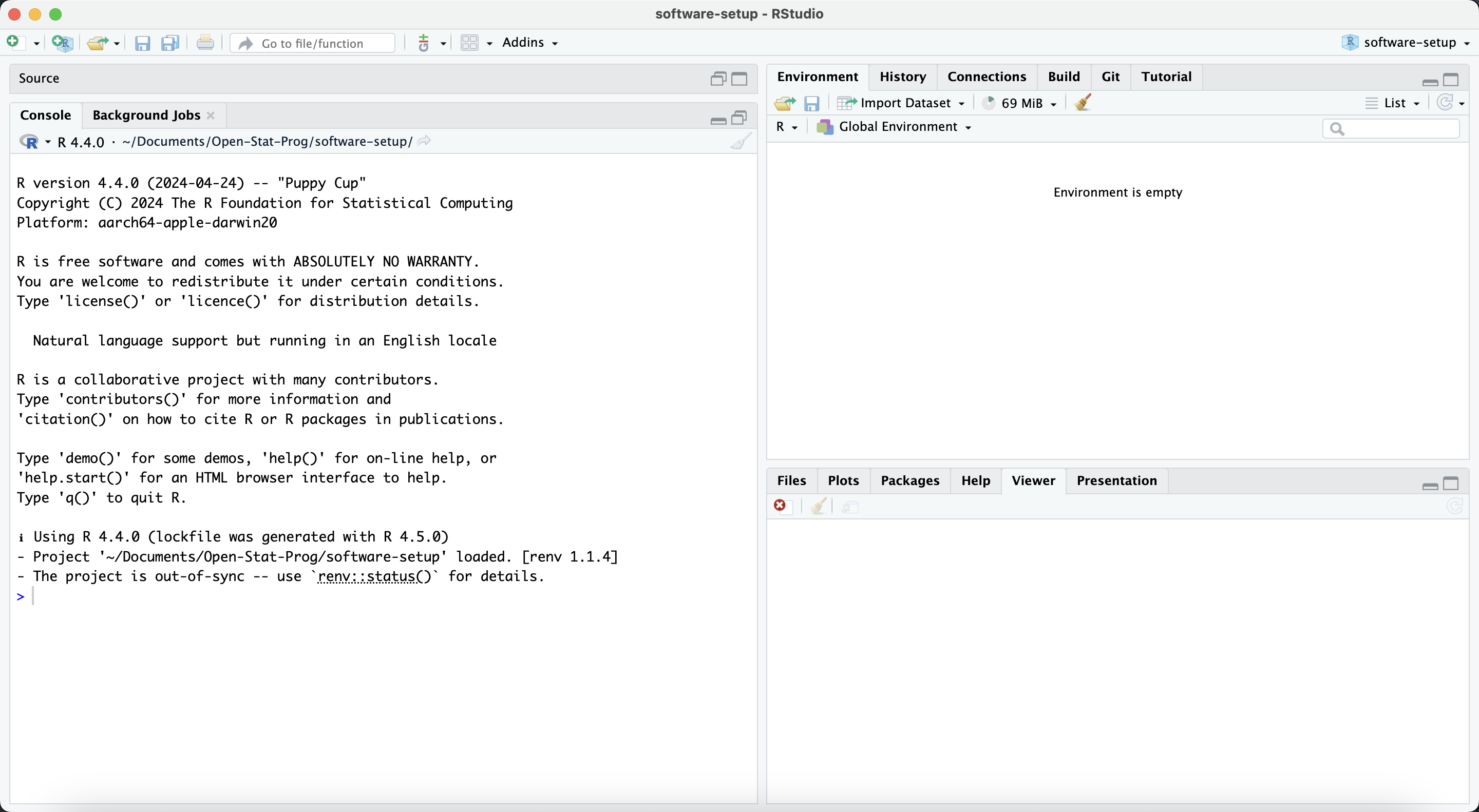
When opening RStudio, the following window will appear:
 .
.
The screen consists of three panes: the console pane, the environment pane and the output pane.
The R script
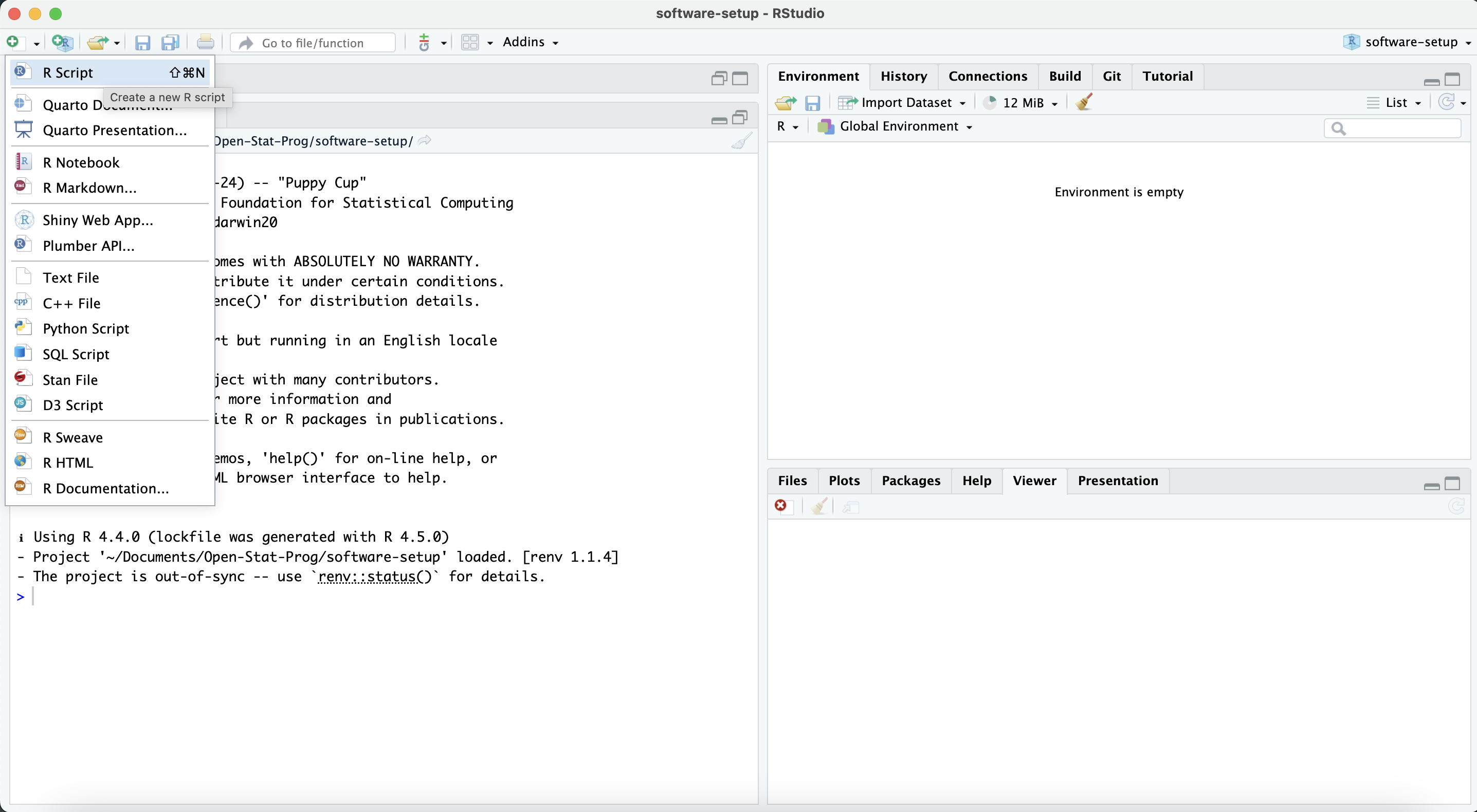
You can open a new R Script by clicking the green “+” sign on the top right of your screen. In an R Script, you can write and save your R code. Using an R Script instead of writing your code directly in the console has some important advantages:
You can write and organize your code step by step.
You can run your code in chunks or line by line.
You can save your work and come back to it later or share it with others.
You or anyone else can reproduce your analysis, which is especially important for good scientific practice.
Besides R Scripts, there are more advanced types of files. They will be introduced in later modules.